• Home
  • About
  • Saving Resources
  • Media/PR
  • Contact

Surviving The Stores™

Healthy Living, Smart Spending, Essential Oils

  • Smart Spending
  • Natural Living Articles
  • Healthy
    Recipes
  • Essential Oils
  • Ways to Earn $

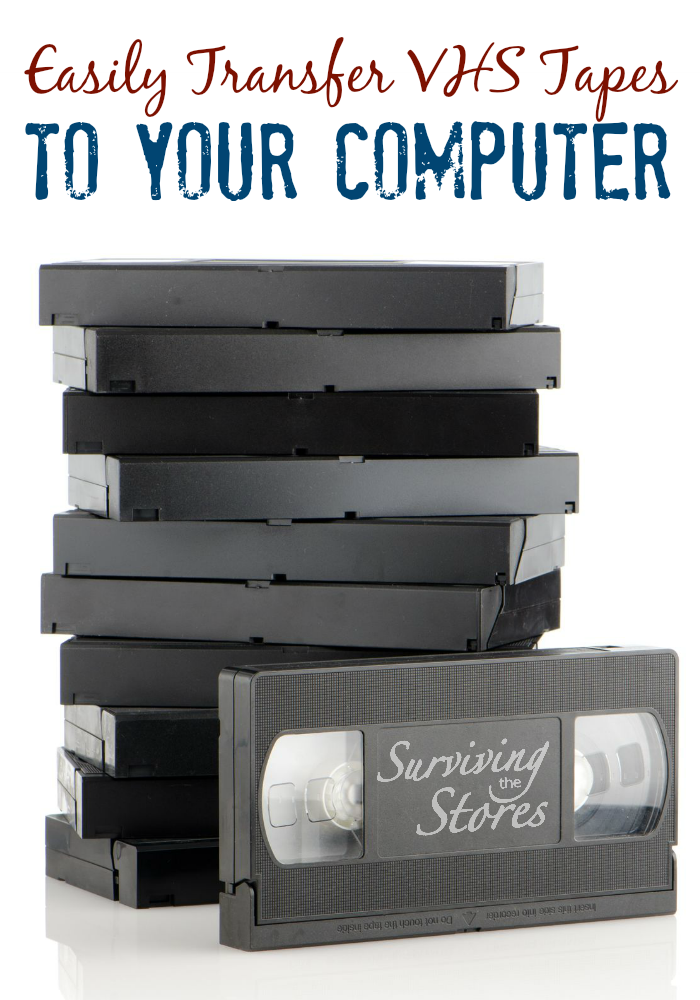
How to Transfer Old VHS Tapes to Your Computer {Mac & PC}

06/04/16

Share
Pin39K
Tweet
Reddit
WhatsApp
Print
Email
39K Shares

How to Transfer VHS Tapes To Your Computer

How to Transfer VHS Tapes to Computer

Rescuing those old VHS tapes from a certain, slow deterioration can sound confusing and daunting, not to mention the high cost of having them professionally transferred. Thankfully, there’s a simple AND relatively inexpensive solution.

If you’re interested in preserving those priceless (and perhaps some not-so-priceless memories 😉 ), then you’ll want to take a look at this quick video on how to easily transfer your old VHS tapes to your computer (mac & pc compatible). You’ll need a few items to complete the transfer:

  • Old VHS Tapes (home videos, NOT copyrighted content)
  • Mac or PC Computer
  • Room on Your Hard Drive (1 hour uses up 768 MB of storage)
  • VCR with audio/video output in the back
  • Computer to VCR adapter – he recommends the Elgato Video Capture adapter (it has great reviews)

Just watch the short video below for a step by step on how to easily transfer those videos!

Share
Pin39K
Tweet
Reddit
WhatsApp
Print
Email
39K Shares

| Articles, Articles, How To, Saving Money, Smart Spending

« How To Start A Blog {I Promise, It’s Easier Than You Think!}
Homemade Coconut Oil Body Butter Recipe! »


Most Popular Posts!

  • Homemade Mosquito Repellent
  • Homemade Vanilla Extract
  • Non-Toxic Carpet Shampoo Recipe
  • Have A LEGO Birthday Party For Under $100
  • Grain-Free Cake Donuts

Copyright © 2025 · Theme by Restored 316 | Customization & Design by Moritz Fine Designs

Copyright © 2025 · Tasteful Theme on Genesis Framework · WordPress · Log in · PRIVACY POLICY